Settings
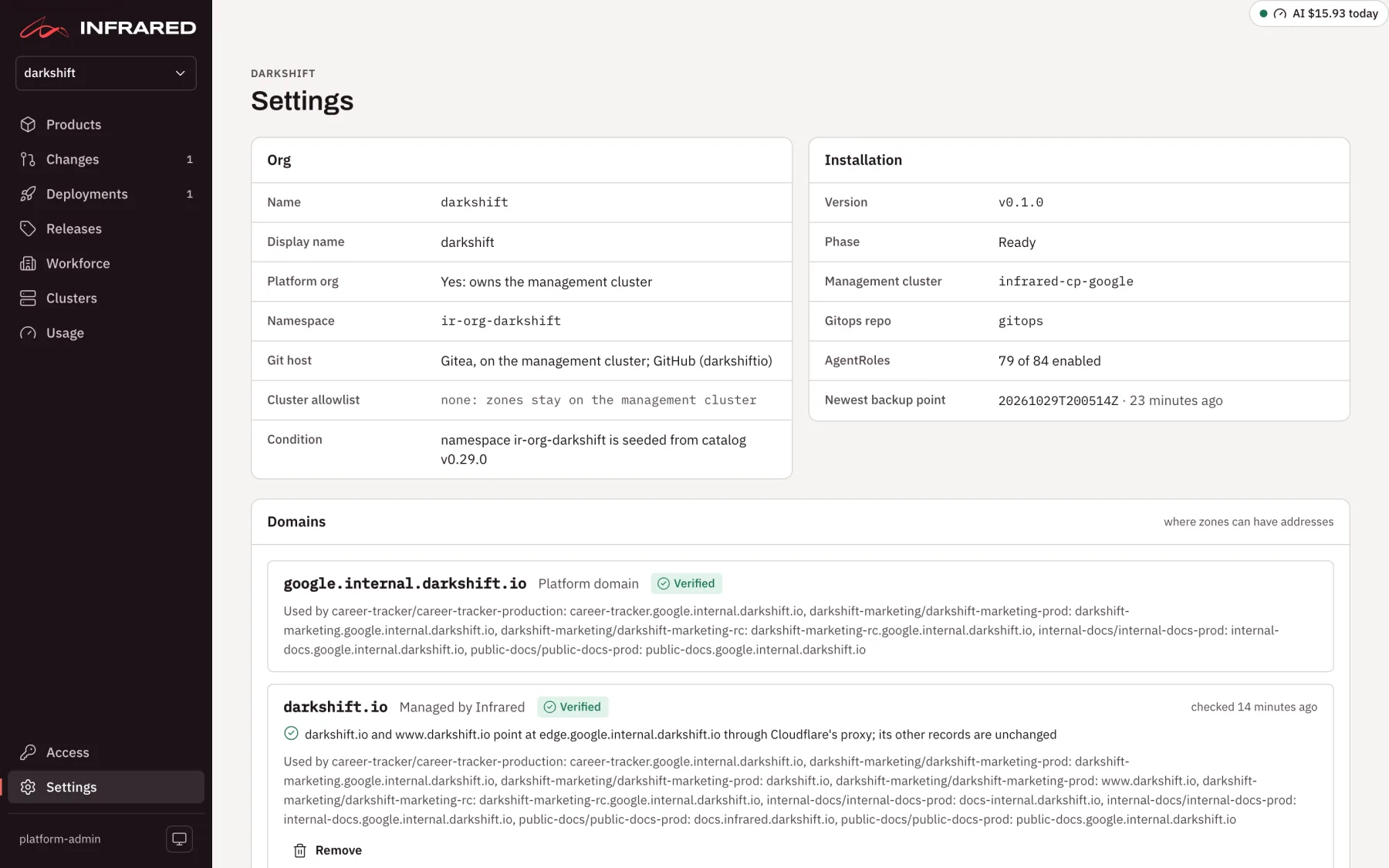
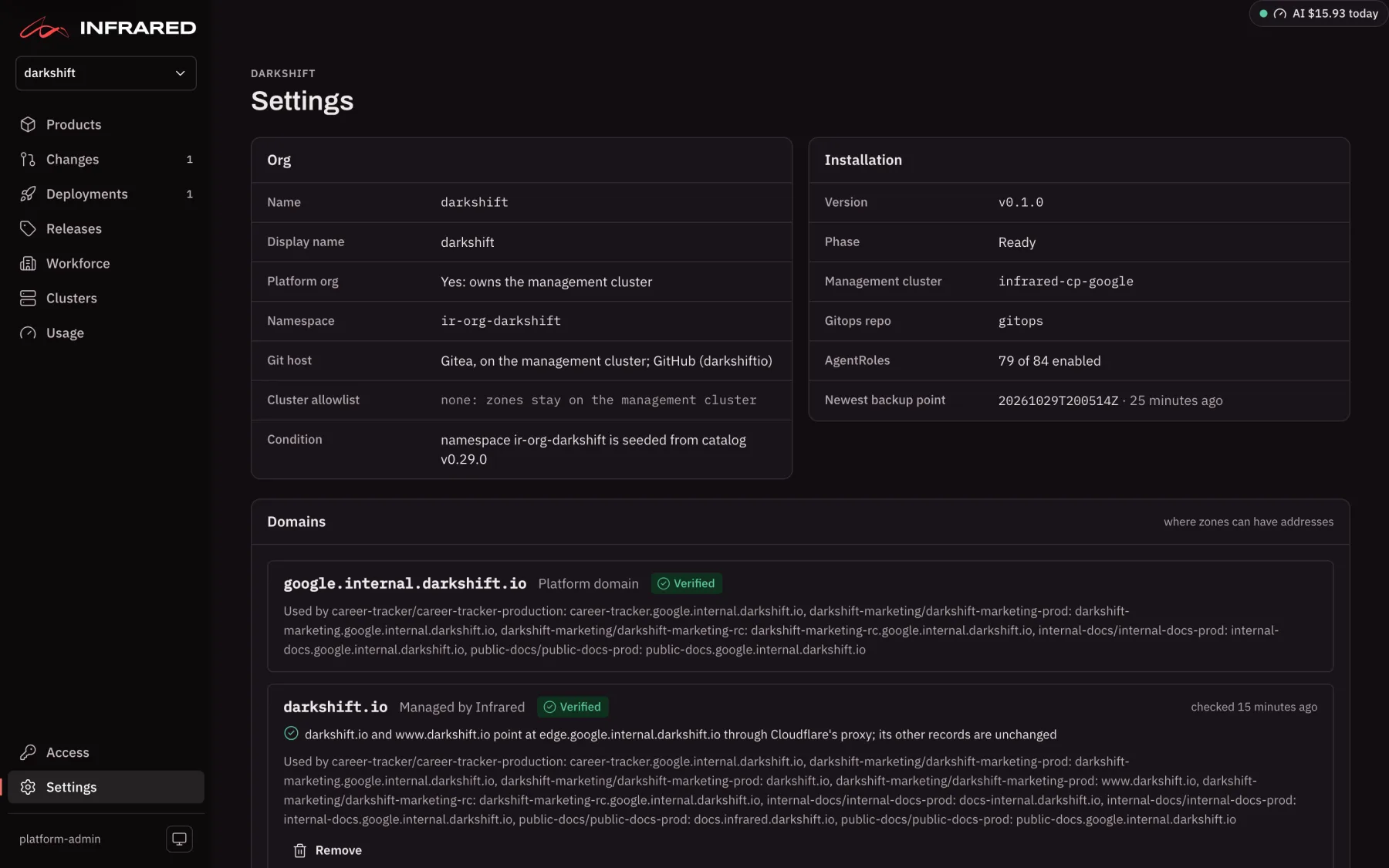
Settings, at the bottom of the rail, is where you decide how your org works: which model key its agents use, where its environments get their addresses, where Infrared posts in Slack, and when scheduled work runs. If you are a platform admin in the platform org, the same page also holds the settings for the whole install, such as backups and sign-in.
Settings is one long page. The panels you see depend on the org you have open and your roles. Everyone in an org can read most of its panels; org admins change them; platform admins also see the install's panels when the platform org is open.
A few things you might look for here live elsewhere:
| You want | Where it is |
|---|---|
| A Product's own settings | Product settings on the Product's page. See Products. |
| Your org's access groups | Workforce → Access groups. See Access groups. |
| Your API tokens and linked accounts | Your You page, from your name at the foot of the rail. See API tokens. |
| People, every org's access groups, git connectors and the root user | Access, on the rail, for platform admins. See Access and sign-in. |
The panels, top to bottom
| Panel | What you find there | Who sees it | Who changes it | More |
|---|---|---|---|---|
| Org | The org's name, display name, namespace, where its repos live, its cluster allowlist and its condition. For an org other than the platform org, whether it may have clusters of its own | Everyone in the org | Read only, except Own clusters, which platform admins change | Organizations |
| Installation | Infrared's version and phase, the management cluster, the gitops repo, how many AgentRoles are enabled, the newest backup point and, after a restore, what the install was restored from | Everyone | Read only | Upgrades |
| Domains | The domains the org can put environment addresses under, and whether each is verified | Everyone in the org | Org admins | Domains and addresses |
| Model provider | The org's Anthropic API key, its health, and Check now | Everyone in the org | Org admins | Run a Change |
| Cloud accounts | The Google Cloud projects and AWS accounts the org lets Infrared act in | Everyone in the org | Org admins | Cloud accounts and registries |
| Registries | The org's container registries, and which one builds go to | Everyone in the org | Org admins | Registries |
| Backups | Where backups go, how often they run, who can open them, Back up now and the newest backups | Platform admins, in the platform org | Platform admins | Back up and restore |
| Sign-in | Sign in with Google (the OAuth client, its redirect URI and the allowed domains), whether anyone with a Google account may sign up for an org of their own, and whether the root password still signs in | Platform admins, in the platform org | Platform admins signed in with Google or as the root user | Sign in with Google |
| Install features | Features you switch on for every org at once. Today that is summary videos | Platform admins, in the platform org | Platform admins | Summary videos |
| Flags | The install configuration set in your gitops repo, each with its value, its default and what it does | Platform admins, in the platform org | Read only: you change it in the gitops repo | Install configuration |
| AI usage · every org and Gemini daily limits | What each org spent on Claude and Gemini today and over the window, and the daily request limits Infrared counts Gemini against for the whole install | Platform admins, in the platform org | Platform admins | Usage and limits |
| Model tiers | The model behind each tier: Frontier, Balanced and Fast | Everyone in the org | Org admins | Models and costs |
| Summary videos | Whether each finished Change gets a short narrated video, the monthly cap, and the time zone the video's greeting uses | Everyone in the org | Org admins | Summary videos |
| Slack | The org's Slack workspaces and the channels Infrared posts to. Platform admins also set up the install's Slack app here | Everyone in the org | Org admins; platform admins for the app | Slack |
| GitHub | The org's own GitHub App on its GitHub organization, and its gitops repo. Shown for orgs other than the platform org, and for a platform org whose repos live in Infrared's Gitea | Everyone in the org | Org admins | Connect GitHub |
| GitHub App | The platform org's GitHub App: its installation, the callback and webhook URLs to give it, and its webhook secret | Everyone in the platform org | Platform admins | Connect GitHub |
| Scheduled runs | Whether the org's AgentWorkflows run on their schedules, and the time zone the schedules use | Everyone in the org | Org admins | Scheduled runs |
| Delete org | Deleting the open org, after you type its name. Never shown for the platform org | Platform admins | Platform admins | Delete an org |
| License | The license's state and what it grants, the orgs and workload clusters you use against its limits, and a field to install a new one | Everyone | Platform admins signed in with Google or as the root user | Licensing |
| Theme | System, Light or Dark. Kept in your browser, for you alone | You | You |
When a panel says an action isn't yours to take, such as "Only org admins change this", it tells you who can. Ask an org admin of the open org, or a platform admin for the install's panels.
Install configuration
A few settings belong to the whole install rather than to an org: words and links on the sign-in page, a note on the Usage page, and whether Clusters appears on the rail. They suit an install that serves people outside your own team, such as a shared control plane, and every one of them is empty or off unless you set it.
You set them in your gitops repo, in the values file for Infrared, registry/clusters/<cluster>/values/infrared.yaml, through a pull request. They go under api.flags, nested under infrared-core: because Infrared's chart is wrapped by the infrared chart your install runs (see Values of your own):
infrared-core:
api:
flags:
signInNotice: "Infrared is in beta: orgs made here may be reset before 1.0."
termsURL: https://example.com/terms
privacyURL: https://example.com/privacy
usageNotice: "Agent runs are free during the beta, up to the limits on this page."
hideClusters: "true"
| Key | What it does | When empty |
|---|---|---|
signInNotice | A line under the sign-in page's heading, such as the terms of a beta | The sign-in page shows no line |
supportAddress | An email address, linked as Support in the sign-in page's footer | No Support link |
termsURL | Your terms of service, linked as Terms in the sign-in page's footer. It must start with https:// to be a link | No Terms link |
privacyURL | Your privacy policy, linked as Privacy in the sign-in page's footer. It must start with https:// to be a link | No Privacy link |
usageNotice | A line on every org's Usage page, such as who pays for agent runs | The Usage page shows no line |
hideClusters | "true" takes Clusters off the rail, for an install whose orgs have no clusters of their own. The page still opens at /clusters | Clusters is on the rail |
Every value is written as a string. Once Argo CD syncs your pull request, the API picks up the change within 15 seconds, with no restart. The Flags panel on Settings and ir flags both show what is in force. If a key is misspelt, or a value doesn't parse, the panel says so and the default stays in force.