Walkthrough: a request to production
This page follows one real Change on the darkshift-marketing Product, the site at darkshift.io, with the default change-quick AgentWorkflow and human approvals on. The request was one line: Bring back the cyan accent (#5fd9e0) we had before. Nothing on this page was staged. The figures are the run's own.
| Agent work | 4 AgentRole steps, 19.2k tokens written, $1.44 |
| Agent time | 3 minutes 32 seconds |
| From Build it to production | about 8 minutes, two human approvals included |
| What shipped | pull request #17, Release v0.2.3, in pre-production and production |
(The run also sat for about 45 minutes when the org's model provider key ran out of credit before the builder started. The video cuts that wait. The fix was a new key and Retry; see When a step needs a human.)
1. Ask in one line
On the Product page, Next release has a quick-add box in Backlog. Type a title and press Enter: Infrared opens the issue on GitHub and starts its Change. The card shows Architect is hydrating right away. See Plan work in the backlog.
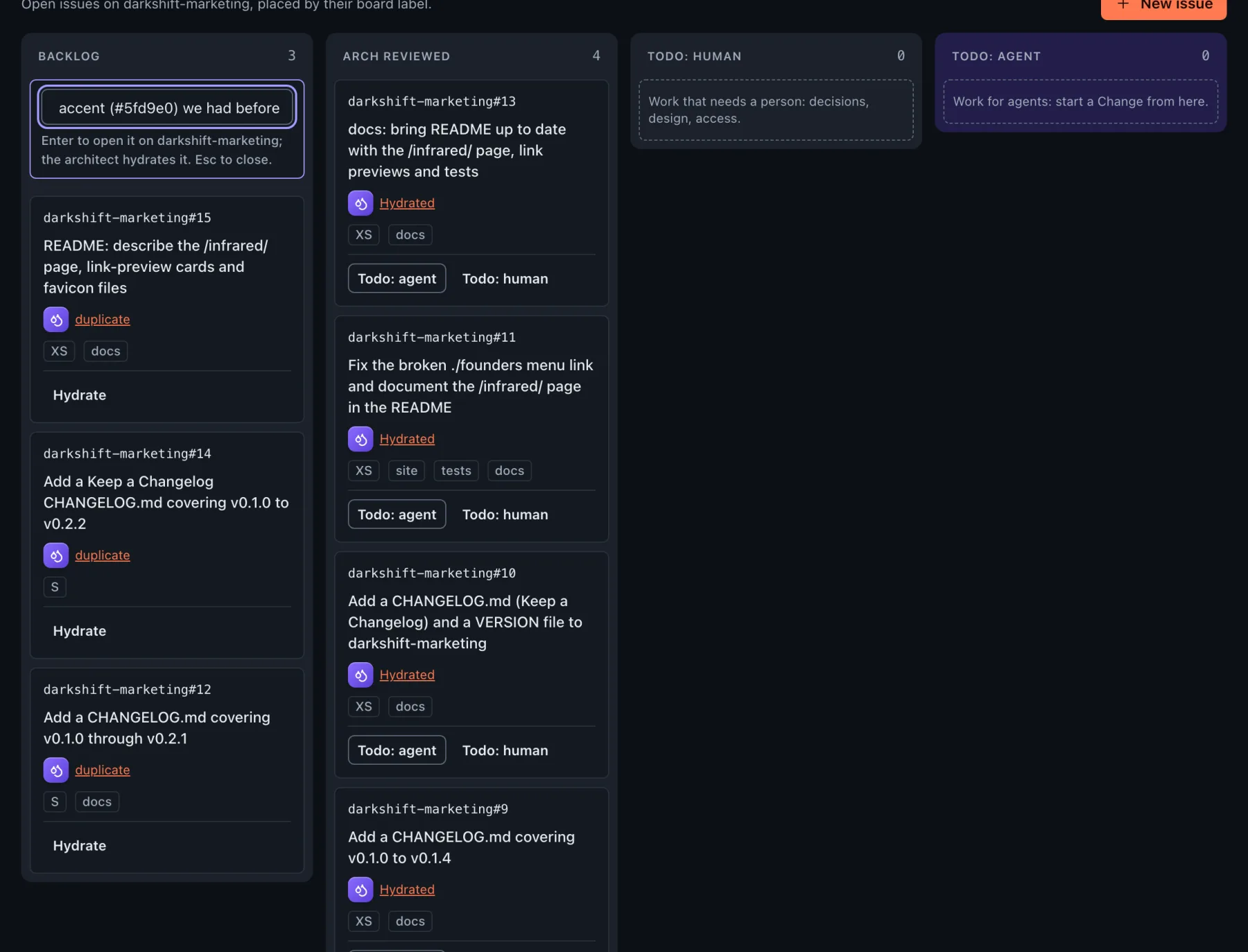
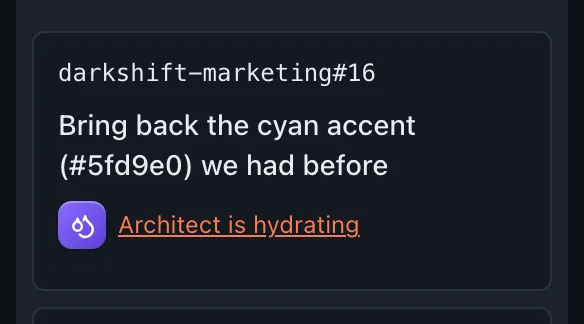
2. The architect hydrates it
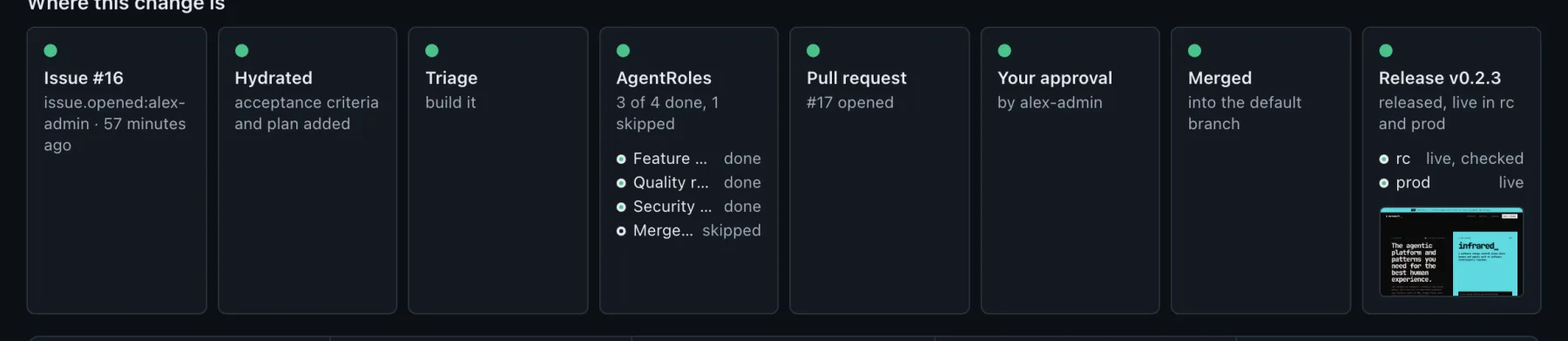
The run's first step is the architect. It read the repo and its history and found that this request reverses #8, which itself reverted #6. It noted that the two landing page files must stay identical, and that the site's tests only allowed coral. It added acceptance criteria, a plan and an estimate to the issue in a minute and $0.25.

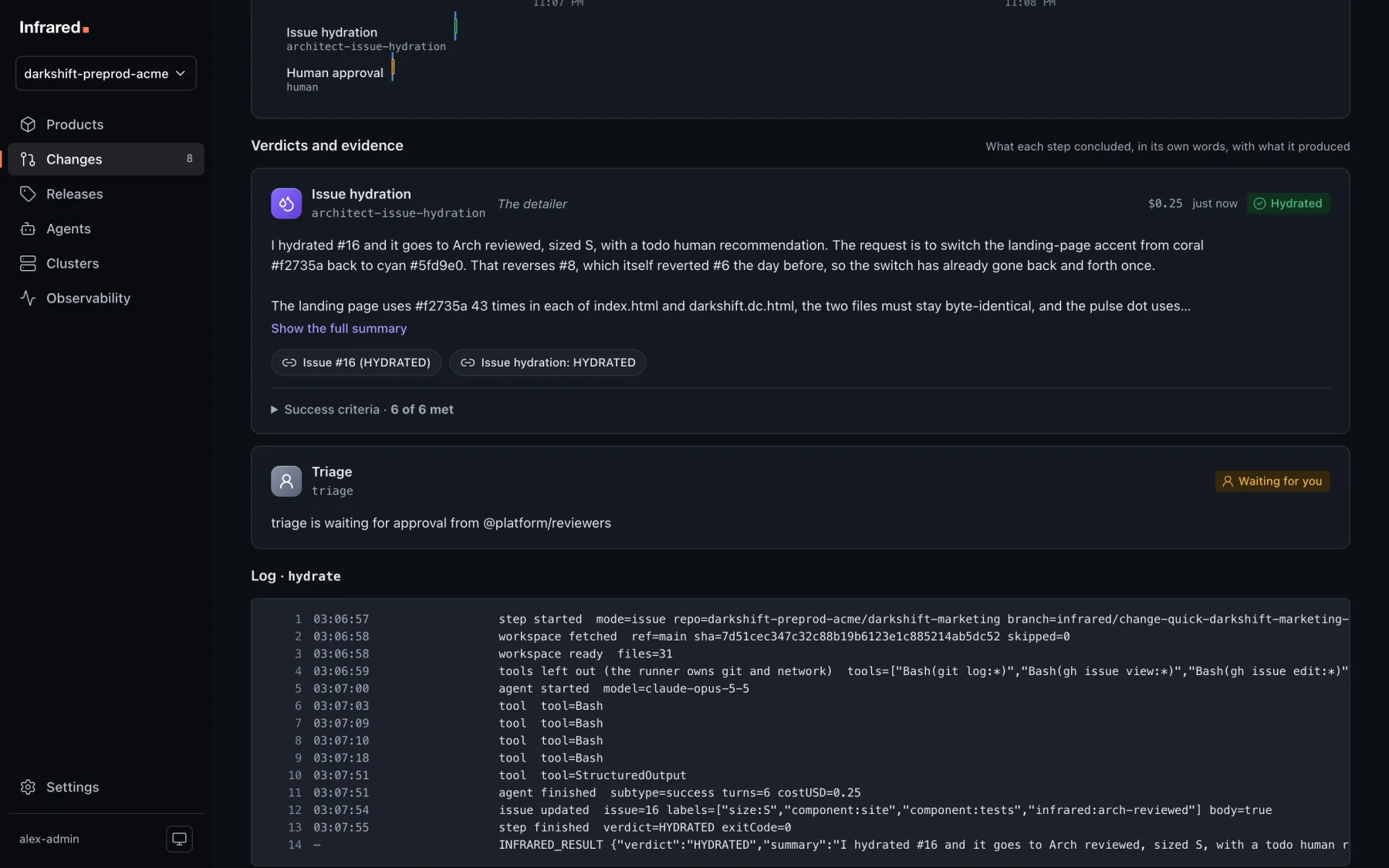
3. A person triages it
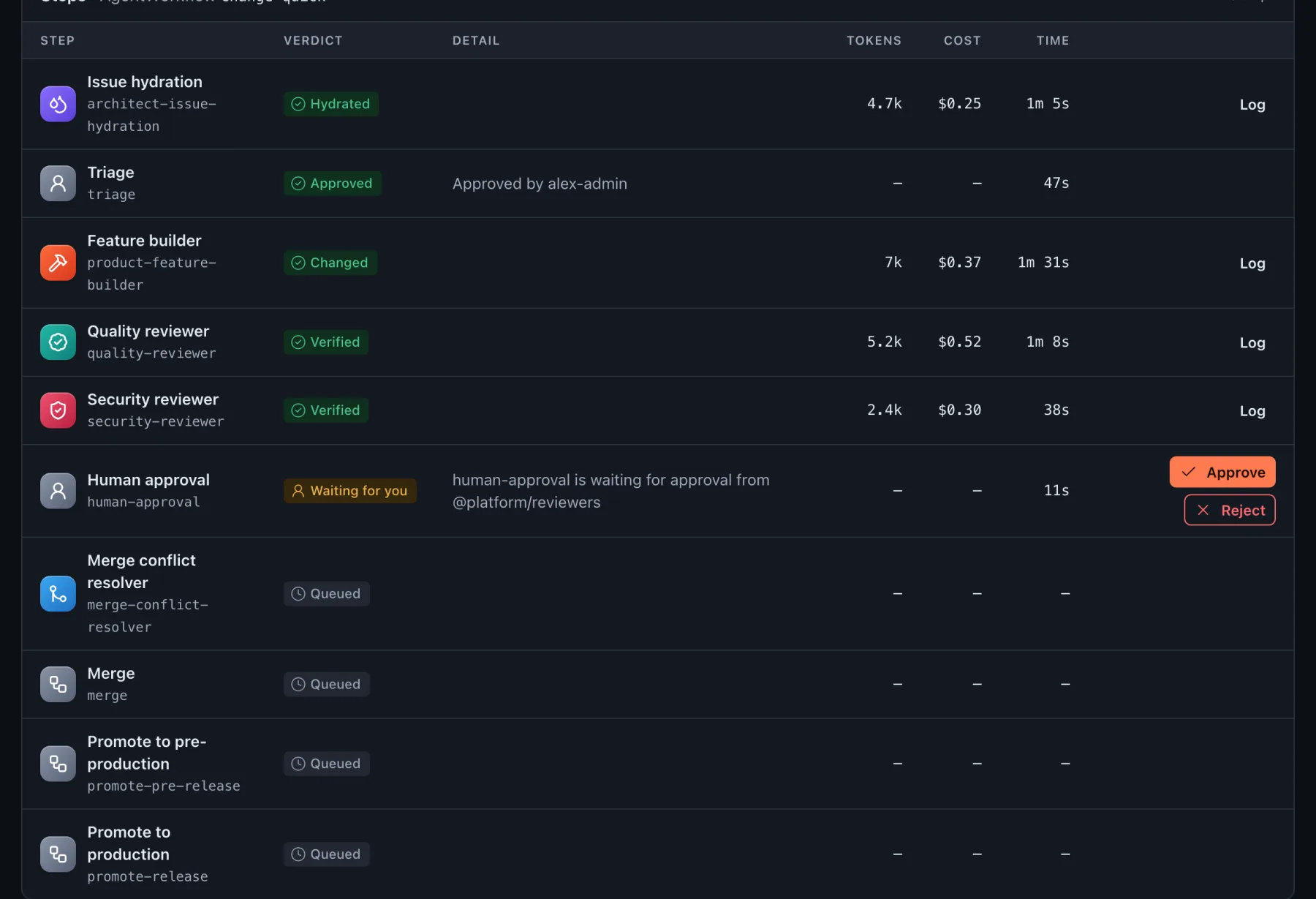
Triage waits for a person. Build it sends the issue to the agents. Hand to a person ends the Change and moves the issue to Todo: human.

4. The agents build and review
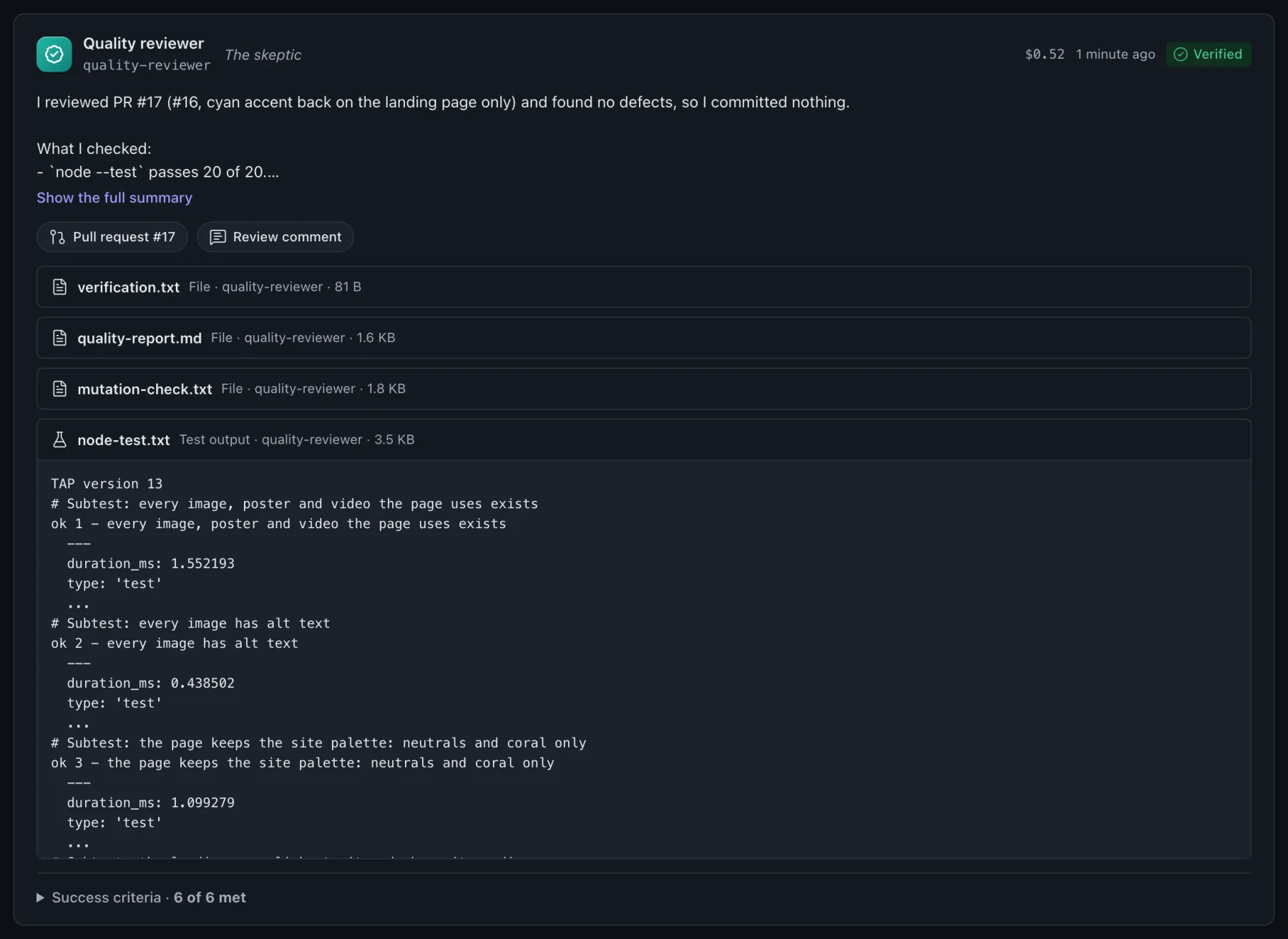
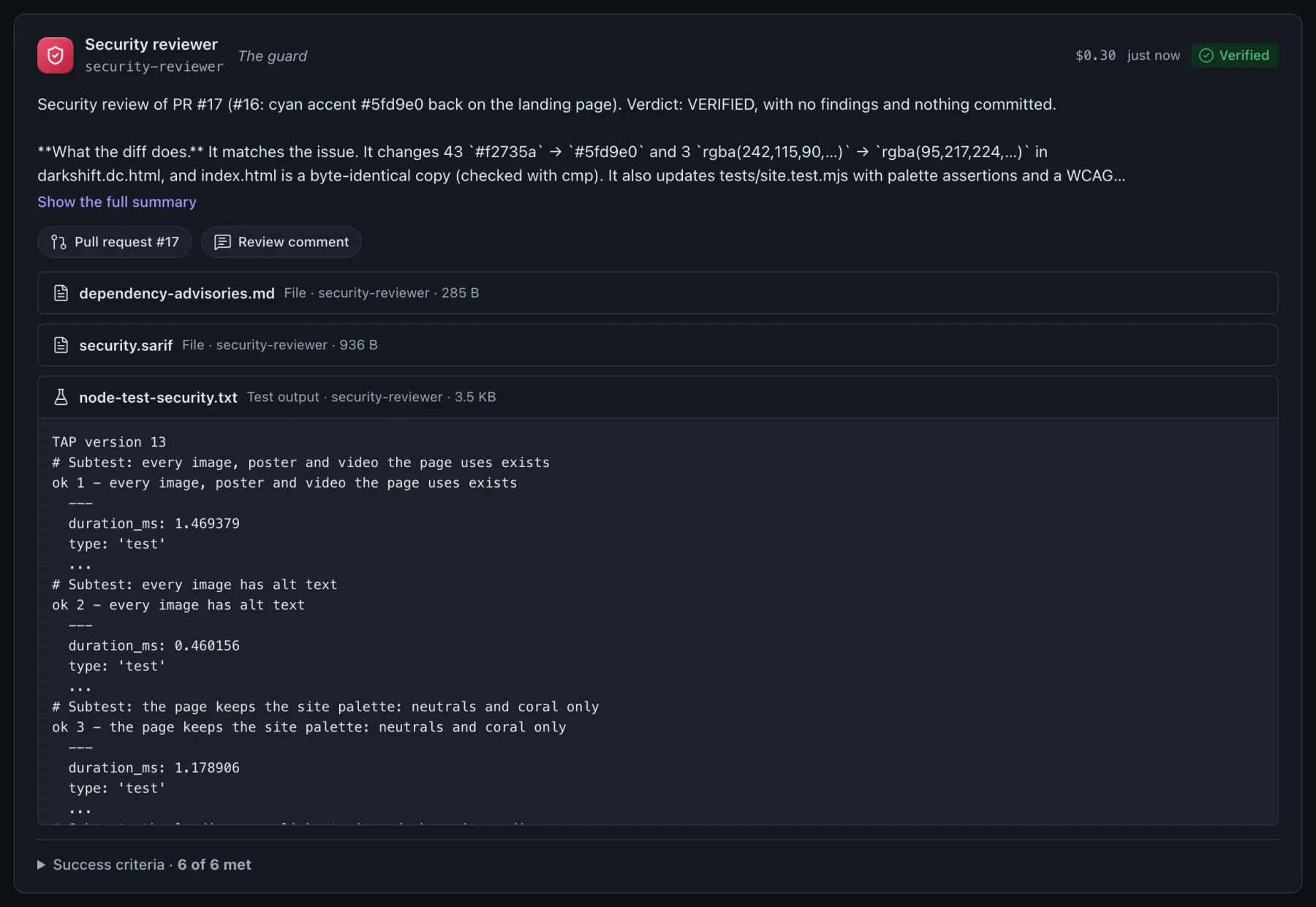
The builder worked on the branch infrared/<run>. It updated the tests first, so they now allow cyan and no longer ban it. Then it changed the accent, ran the tests and opened pull request #17. It also reported what it deliberately left alone: the /infrared/ page, the favicon and the link-preview cards stay coral, because the issue was about the landing page. Then the quality and security reviewers each checked the branch and returned Verified.
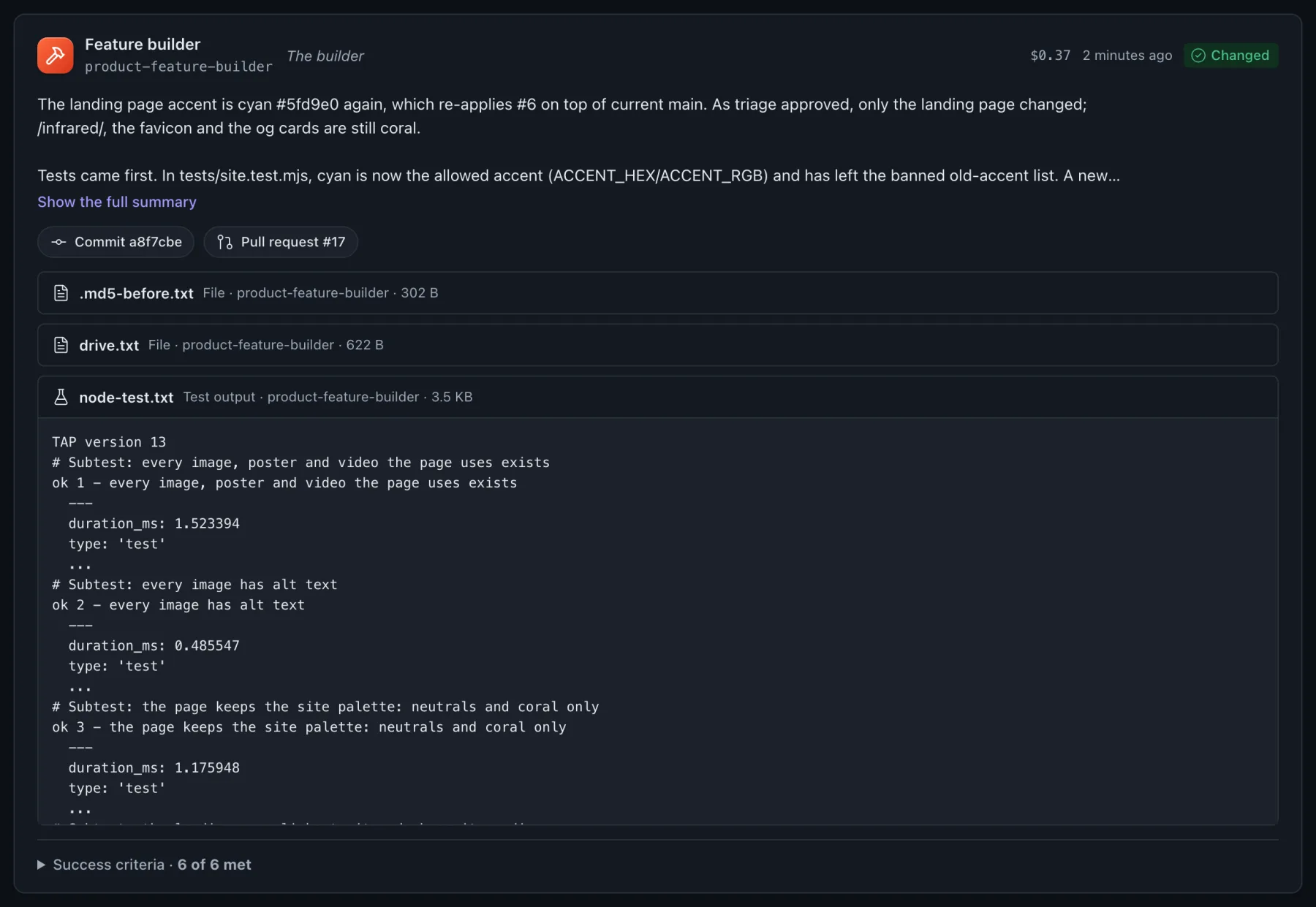

5. A person approves the pull request
Human approval waits for a person to read the verdicts, the evidence and the diff. Approve merges the pull request within seconds, and the run starts its Release.


6. Pre-production, then production
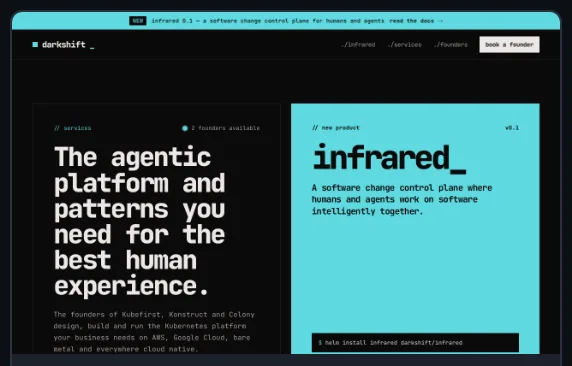
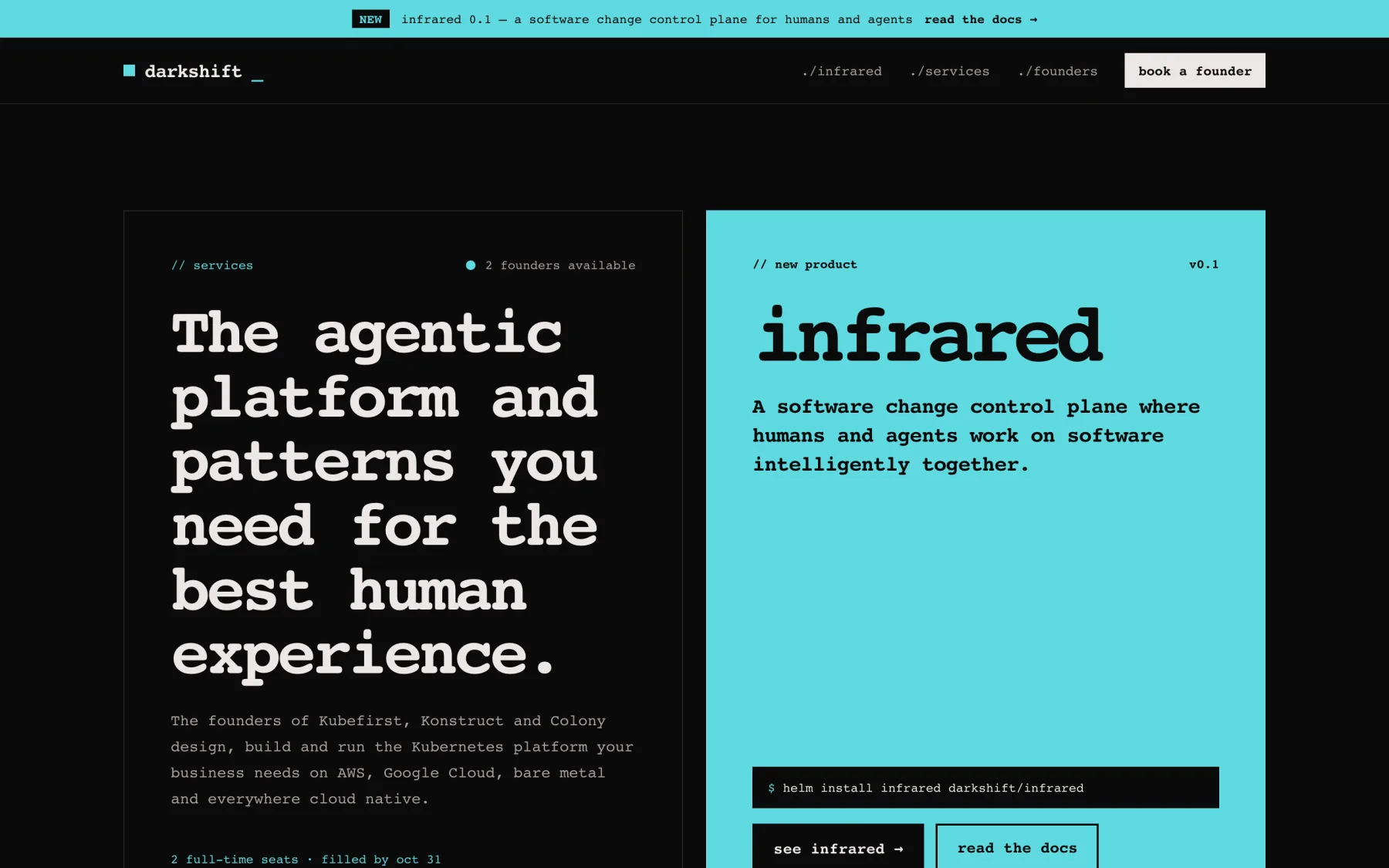
The Release waits for the kpack build, tags v0.2.3 and promotes it to pre-production with a pull request to the gitops repo. Once that zone is Healthy and its smoke check passes, Infrared takes a screenshot of it. There, the accent is cyan. Production waits for a person: the Release page says so, and its Approve button promotes the same build.

7. Live
Production goes Healthy, and the Change is done: every card in Where this change is is green, ending with the Release live in both zones.

Without the two approvals
With the Product's human approvals off, the same request goes from Enter to production with no one clicking: triage builds it, the merge follows the reviewers, and production follows pre-production. See Turn human approvals off.